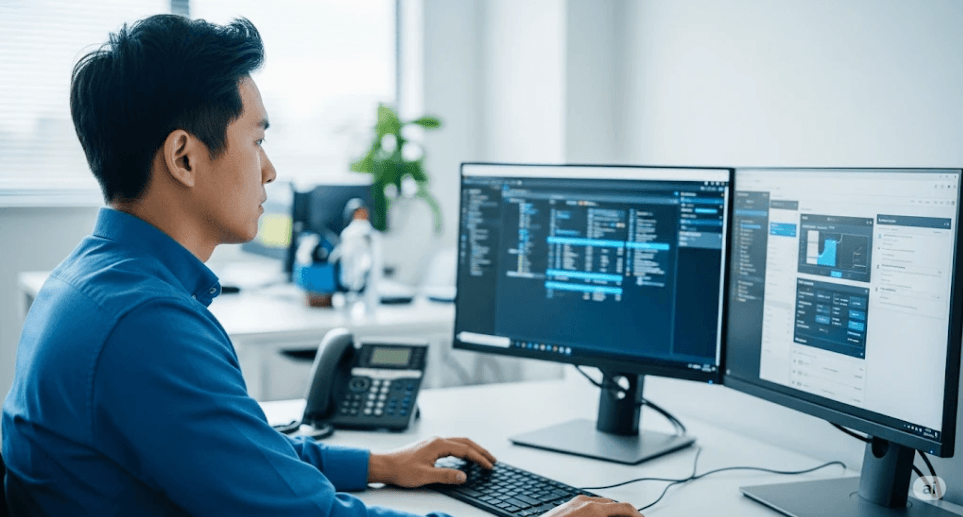
Remote support is the act of diagnosing and correcting technical issues with a device with which there is no physical interaction. An information technology (IT) technician connects remotely to a computer or other piece of hardware, observes what the user is seeing and then often also is able to directly control that machine in order to make changes, install software or fix whatever issue it is experiencing. It is now one of the most essential functions in IT operations, and it supports everything from internal help desks to a managed service provider that services clients across multiple locations.
To really understand remote support, though, you have to think about it from three perspectives: What remote support is and what makes it different from related concepts; the technical approaches used to get there; and finally, the practical benefits that have allowed it to become a mainstream staple of IT operations rather than just a specialized convenience.
What Remote Support Actually Means
At its core, remote support refers to a technician’s ability to view and often control a specific computer or device from a different physical location. This is distinct from broader concepts like remote work or telework, which describe an employee’s overall ability to do their job away from a central office. Remote support is the more specific technical capability that makes IT troubleshooting possible within that broader remote or hybrid work context. You can learn more about how this functions in practice through this overview of what is remote support in IT.
It will also be worth it to differentiate remote support from remote access in general. The term remote access is typically directed towards accessing a full network or larger subset of resources (e.g., VPN connection allowing an employee to reach internal file servers and applications). Remote support is usually much tighter and targeted – a tech comes through only to one device for a specific task, rather than wide access network-level access.
Common Methods of Remote Support
Several distinct technical approaches fall under the umbrella of remote support, and understanding the differences helps clarify why organizations often use more than one. The most common and historically significant method is remote desktop access, sometimes called screen sharing or screen control, where a technician views and operates a specific machine as though sitting in front of it. A foundational overview of one widely used platform for this kind of access is available in this remote desktop services overview, which describes how centralized infrastructure can deliver desktop and application access to users connecting from various locations.
VPN-based access represents a different method, providing broader network-level connectivity rather than control of one specific device. Application containers, which isolate a specific app’s access and dependencies, offer yet another approach suited to situations where a device isn’t fully managed or trusted by the organization providing support. Federal guidance comparing these federal telework access methods describes VPN, application containers, and remote desktop access as distinct enterprise capabilities, each suited to different scenarios depending on how much access a situation actually requires and how much the organization trusts the device involved.
An additional distinction worth making is unattended access, which lets a technician connect directly to an authorized device without needing someone to be present at that exact moment to authorize the connection. This is important for maintenance tasks that do not require interaction from the end user.
Key Benefits of Remote Support
The first and most immediate advantage of remote aid is the speed. The ability of a technician to connect with the device in less than a few seconds, from anywhere the device is physically located, resolves issues much faster than travel to site first and fix. This speed advantage builds up as they get bigger: an IT department or managed service provider managing hundreds, maybe thousands, of devices at various locations can simply not employ enough technicians to respond face-to-face to every problem.
This speed advantage then closely follows cost efficiency. By removing travel time and travel expenses for preliminary troubleshooting, those tech hours can go to other work and reduce the overall cost of delivering support. Organizations managing distributed teams over a country or globally gain this advantage on a wider scale, as shipping technicians by road or air across distances remote or international would be prohibitively slow and costly.
Availability of remote support also enhances the uniformity of IT operations in a larger sense. When support happens remotely via a platform, and not as an ad hoc, in-person fix with few records left behind by the representatives or employees involved, then centralized session logging, standardized access permissions and replay of exactly what happened during earlier Zoom support all become much more feasible. This consistency is becoming increasingly important for organizations with security or data-handling requirements, as they may be obliged to show evidence of compliance.
Choosing the Right Approach
Also, no remote support method is hotel-style for all occasions. Organizations often find that they need a mix of methods based upon specific requirements: remote desktop access for direct, hands-on troubleshooting; VPN or network-level access for broader resource access that doesn’t require device-level control; and unattended access to facilitate routine maintenance without the need for active user interaction. Training in the differences between these methods, rather than treating remote support as an blobs of indistinguishable sameness enables IT teams to select tools and policies that actually fit how their organization works.
See also: 5 Proven Techniques for Advancing Skiing Skills on Any Slope
Frequently Asked Questions
What is the difference between remote desktop software and remote support?
Remote support isn’t a single thing; it can refer to everything from remote desktop software to VPN access and application containers (where the application is literally only served as needed). While remote desktop software tends to be the most obvious and widely used, other tools are not so well-known.
Does remote support need the end user to be there?
This varies according to the kind of access being employed. In attended remote support sessions connection permission must be granted by the end user and is generally present throughout, while unattended access allows a technician to connect to a hardware that has been pre-approved without anyone being around at any given time.
Which industries rely more on remote support?
Managed service providers to software houses and any organisation with a distributed or hybrid workforce usually need remote support, much like these scenarios involve supporting devices which cannot be easily attended to, in person by technicians. Other highly regulated industries, including some arms of healthcare and finance, also make heavy use of remote support but often with additional security and compliance components built on top.